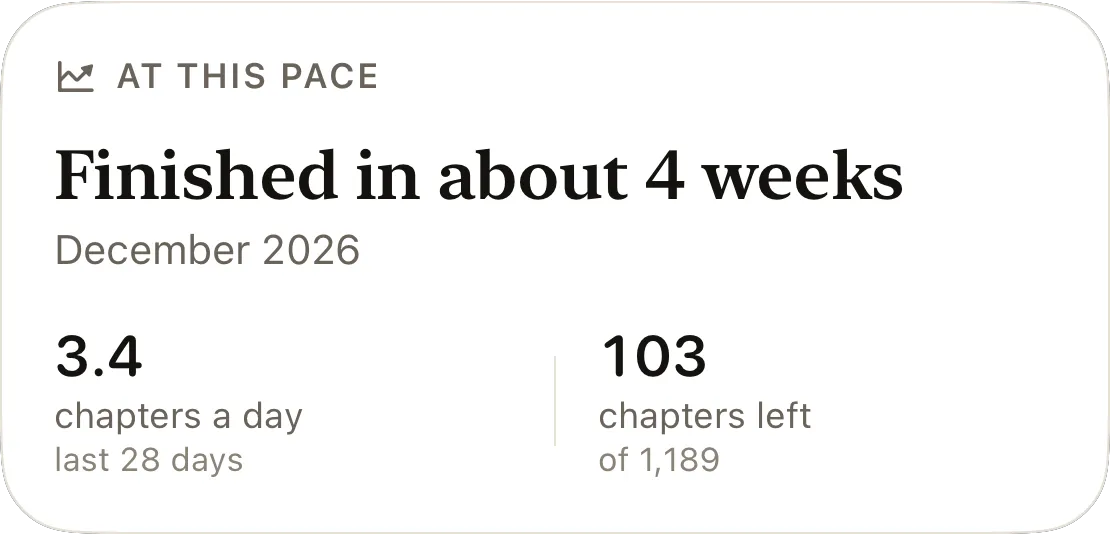
How to track your Bible reading: paper, spreadsheet or app
Three ways to track your Bible reading by chapter: a printed chart, an Excel or Google Sheets tracker with ready formulas, or an app, and what each does best.


The short answer
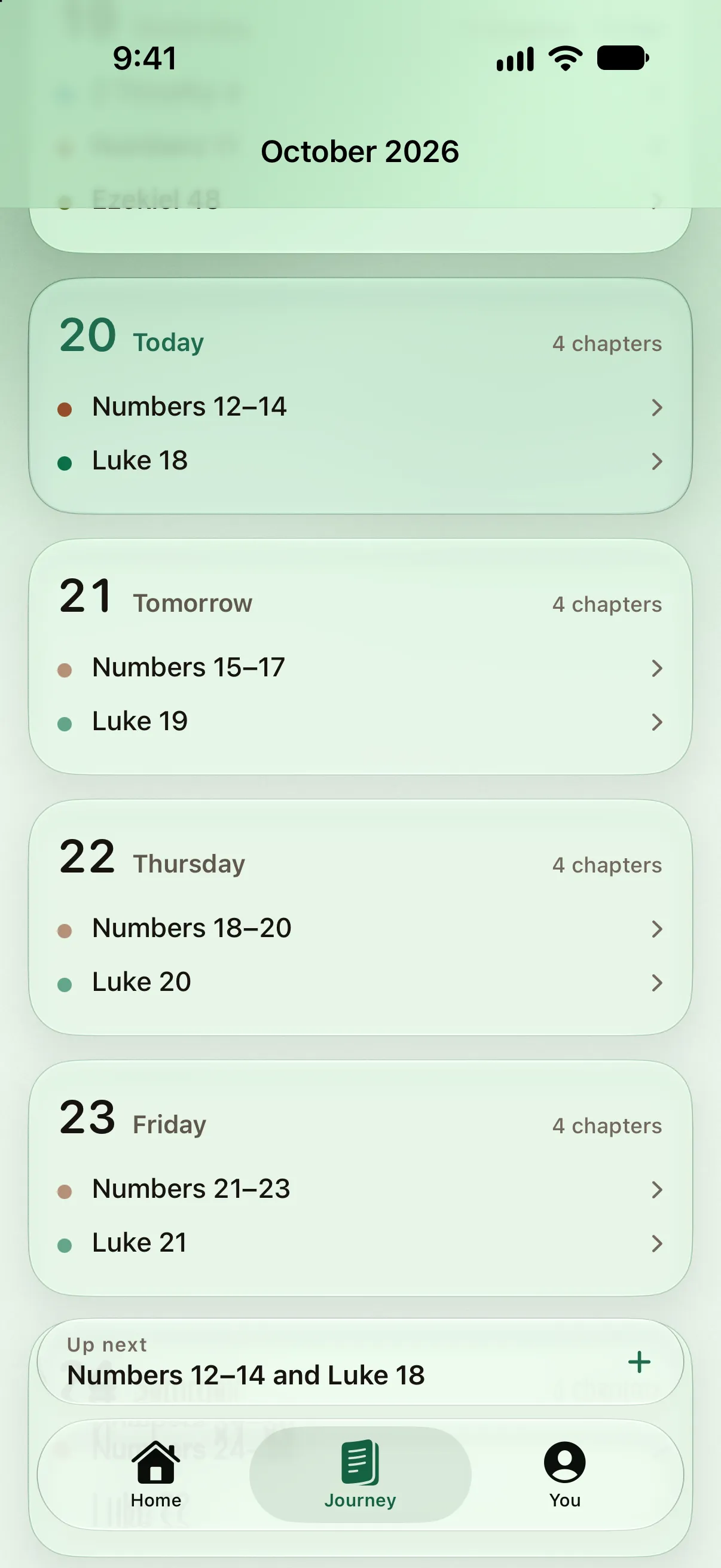
Track your Bible reading by chapter: the Protestant Bible has 1,189 and the Catholic Bible 1,334, and reading plans are written in chapters too. A printed chart with a box for every chapter shows what you have covered at a glance. A spreadsheet with a row per chapter and the date you read it adds a percentage and a projected finish date. An app does both and also works out each day's reading. Record what you read, not the days you missed.
In this guide
- What tracking your Bible reading is for
- Track chapters, not pages, verses or books
- A printed Bible reading chart
- A Bible reading tracker spreadsheet in Excel or Google Sheets
- A Bible reading tracker app
- Start with what you have already read
- What to record besides the chapter
- Track what you read, not what you missed
- Questions people ask
- Sources
How you track your Bible reading depends on what you want the record to tell you. For some people it is simply which chapters they have read; for others it is whether they are keeping a pace, or what they noticed along the way. Paper, a spreadsheet and an app each answer those questions differently. The paper and spreadsheet methods below cost nothing, and our plan calculator downloads a file that saves you typing out the rows.
- 1,189chapters to track in the Protestant Bible
- 1,334in the Catholic Bible
- 66books in the Protestant Bible
- 3.3chapters a day finishes in a year
What tracking your Bible reading is for
Tracking Bible reading usually means answering one of three questions, and it helps to know which one you are asking before choosing a tool.
- What have I covered? This is a question about chapters. A record of coverage shows which parts of the Bible you know and which you have not reached yet.
- Am I keeping at it? This is a question about days: how often you read, how fast you are going, and when you will finish at that rate.
- What did I notice? This is a question for notes: a line about a chapter, a verse you want to come back to, a question you had.
Coverage is the natural place to start, and the second question gets more useful once there are a few weeks of reading behind it. The three tools compare like this:
| Printed chart | Spreadsheet | App | |
|---|---|---|---|
| What you have covered | At a glance, box by box | As a percentage, by formula | As a percentage and a picture |
| When you read each chapter | Only if you write the date | A date column | Logged with the date |
| Pace and a finish date | No | With two formulas | Worked out for you |
| What to read today | From a separate plan | From a plan sheet | Worked out from where you are |
| Notes | In the margin | A column | Depends on the app |
| Works without a screen | Yes | No | No |
Track chapters, not pages, verses or books
The chapter is the most useful unit for tracking Bible reading. It is fine enough to show progress inside a long book and coarse enough that the whole Protestant Bible fits on one printed page.
The alternatives each fall short somewhere. Pages change with the edition, the type size and the notes, so “page 412” means nothing in a different Bible. Verses are too many to tick: the King James Version has 31,102 of them. And a whole book is too coarse, since Psalms would be one tick for 150 chapters. Reading plans, sermon references and printed charts are all written in chapters, so a chapter you record in one place means the same thing in the others.
How many chapters your tracker needs depends on your Bible. The Protestant Bible has 66 books; Catholic, Orthodox and Ethiopian Bibles have more books, and so more chapters:
| Canon | Books | Chapters | Old + New Testament |
|---|---|---|---|
| Protestant | 66 | 1,189 | 929 + 260 |
| Catholic | 73 | 1,334 | 1,074 + 260 |
| With Apocrypha | 76 | 1,360 | 1,100 + 260 |
| Orthodox | 78 | 1,386 | 1,126 + 260 |
| Ethiopian | 80 | 1,564 | 1,304 + 260 |
A chapter percentage is not a word percentage
Chapters vary a great deal in length. By our count of the King James Version, Psalm 117 is 2 verses and 33 words, while Psalm 119 is 176 verses and 2,423 words. In the World English Bible, half the chapters run under about 600 words, but 135 run over 1,000 and 153 under 300.
So the same reading can move two percentages by different amounts. All 150 Psalms are 12.6 percent of the Protestant Bible’s chapters but only about 5.5 percent of its words. The four Gospels go the other way: 7.5 percent of the chapters, about 10.7 percent of the words. For tracking, count chapters anyway; they are what you can tick. Just expect the Psalms to fly by on a chart and the Gospels to take a little longer than their share of boxes suggests. An average chapter is about 630 words, under three minutes of silent reading at the average adult pace of 238 words a minute.
A printed Bible reading chart
A printed chart is the best tracker when you read from a paper Bible and want the record where you read. It answers the coverage question at a glance, needs no screen and no setup, and a page that fills with ticks is satisfying in a way a percentage is not.
Our printable Bible reading tracker puts every chapter of the Protestant Bible on one page as a numbered box, grouped by book and colored by division, with a line at the foot for the day you started and the day you finished.
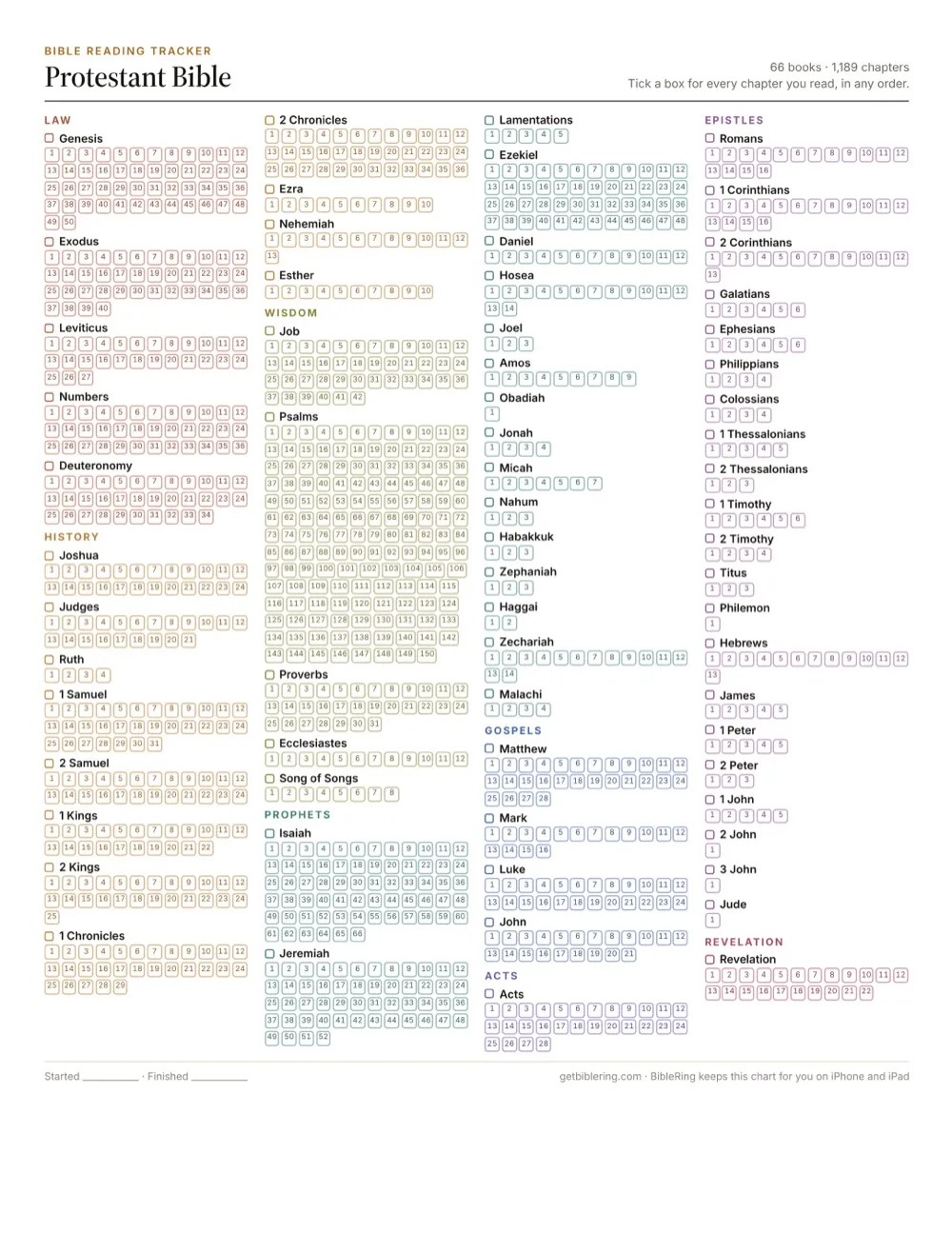
The printable Bible reading tracker page has A4 versions and charts for the Orthodox and Ethiopian Bibles and a Bible with the Apocrypha, along with a one-page checklist of the books and a bookshelf chart to color in.
Paper has two limits. It records what you read but not when, unless you write the date beside a box, and it cannot tell you your pace. A light workaround is to write the month in the margin each time you finish a book.
A Bible reading tracker spreadsheet in Excel or Google Sheets
A spreadsheet is the tracker for anyone who wants the arithmetic done. A row for every chapter, a column for the date you read it and five short formulas give you the chapters read, a percentage, the chapters left and a projected finish date.
Getting a row for every chapter
Typing out 1,189 rows by hand is the slow way. Our reading plan calculator can produce them for you:
- Open the Bible reading plan calculator, choose your Bible, and choose Start to finish as the order.
- Under Pace, choose Chapters a day and enter 1.
- Press Download CSV. The file has the columns Day, Date, Reading, Chapters and Done, and one row for each chapter of the Bible you chose: 1,189 for the Protestant Bible, 1,334 for the Catholic.
- Open the file in Excel, or import it into Google Sheets from the File menu.
The Date column is the schedule for a reader doing one chapter a day; ignore it if that is not you (deleting it would move the Done column the formulas below point at). The Done column, column E, is where your tracking goes. Instead of a tick, type the date you read each chapter: Ctrl+; enters today’s date in both Excel and Google Sheets on Windows, and ⌘+; does it in Google Sheets on a Mac. A date does two jobs at once, marking the chapter as read and recording when, and the pace formulas below need it. If you would rather tick boxes, the Insert menu in Google Sheets adds checkboxes. Count them with =COUNTIF(E2:E1190,TRUE) in place of the first formula below, though ticks leave the pace formulas nothing to work from.
The same columns work in any table you like, Apple Numbers or Notion included; the formulas below are written for Excel and Google Sheets.
The formulas
Put these in a spare column beside the list, say column H. They assume the Protestant Bible, with chapters in rows 2 to 1,190.
| Cell | What it shows | Formula |
|---|---|---|
| H2 | Chapters read | =COUNT(E2:E1190) |
| H3 | Percent of the Bible read | =H2/1189 |
| H4 | Chapters left | =1189-H2 |
| H5 | Chapters read in the last 28 days | =COUNTIF(E2:E1190,">="&TODAY()-27) |
| H6 | Projected finish date | =IFERROR(TODAY()+ROUNDUP(28*H4/H5,0),"") |
Format H3 as a percentage and H6 as a date. COUNT works because dates are stored as numbers, so it counts every chapter with a date beside it. The finish date divides the chapters left by your recent daily pace, the chapters of the last 28 days over 28, so it moves with how you actually read rather than with a target. Until you have read something in the last four weeks it stays blank.
For another Bible, change 1189 to its chapter total and the range to match: the Catholic Bible’s 1,334 chapters run from row 2 to row 1,335.
A day-by-day plan in a spreadsheet
If you follow a plan, download it at the pace you want instead. A one-year plan has 365 rows, one per day, each with its passage and its number of chapters in column D. Type the date in Done when you finish a day’s reading, and this formula counts the chapters behind those dates:
=SUMIF(E2:E366,">0",D2:D366)
Divide it by 1189 for the percentage, as above.
A Bible reading tracker app
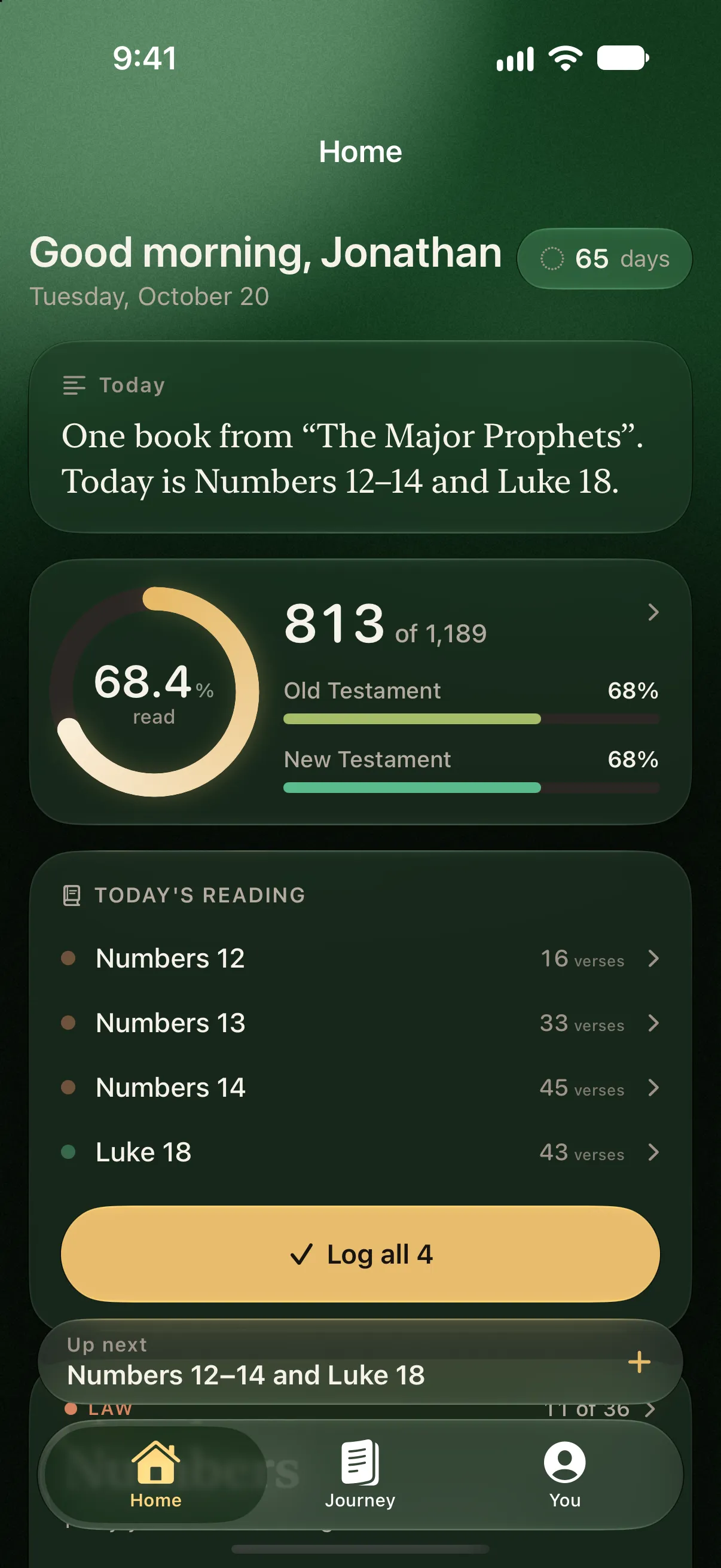
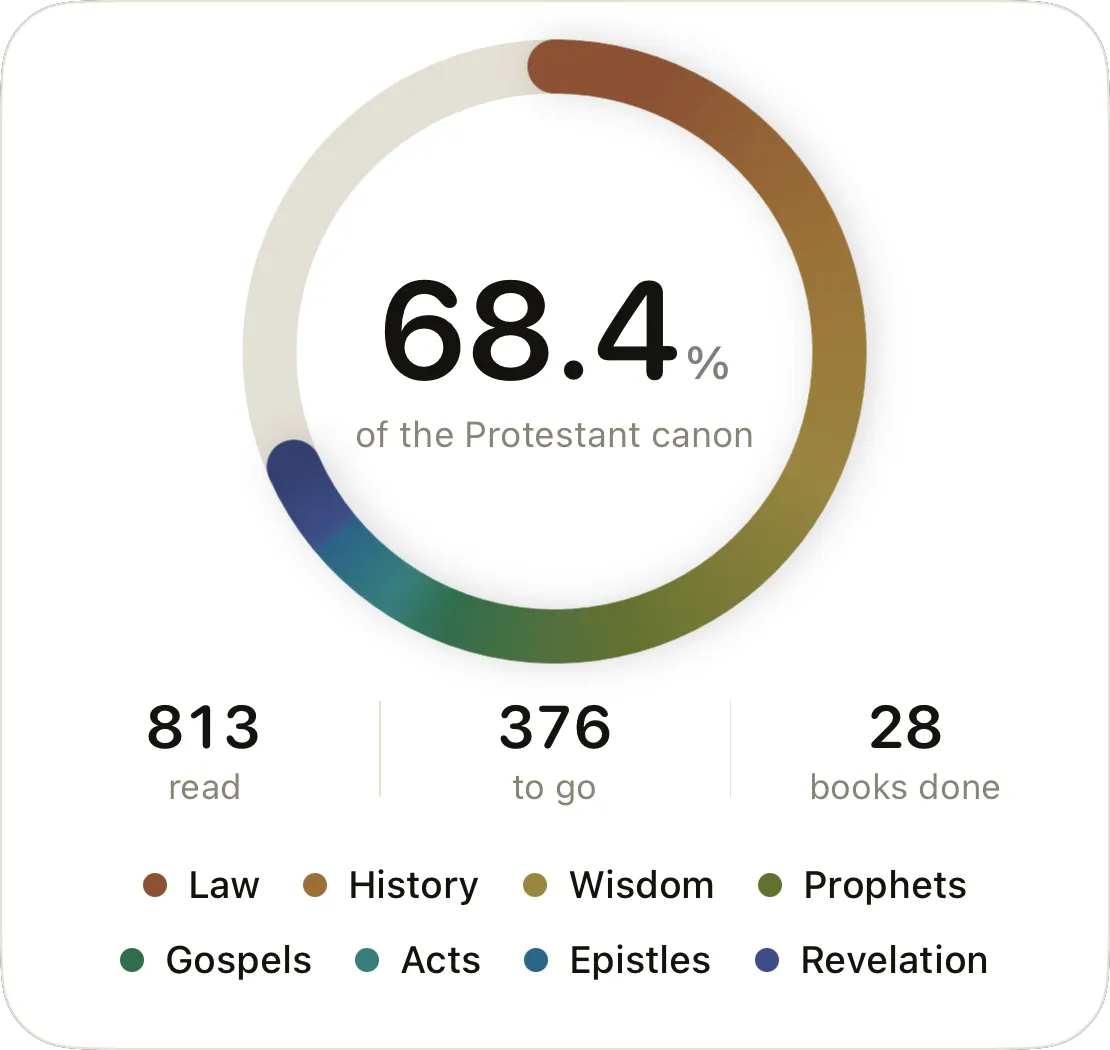
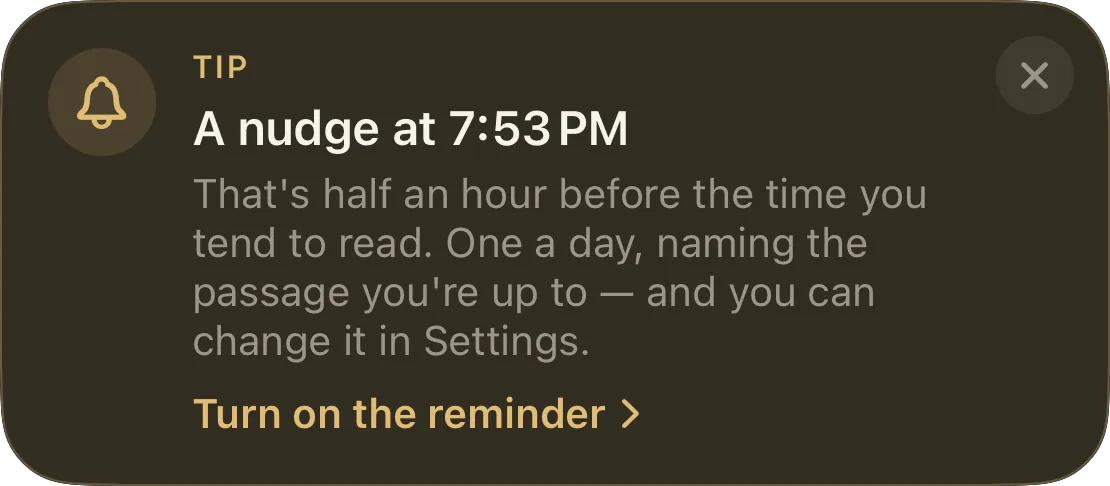
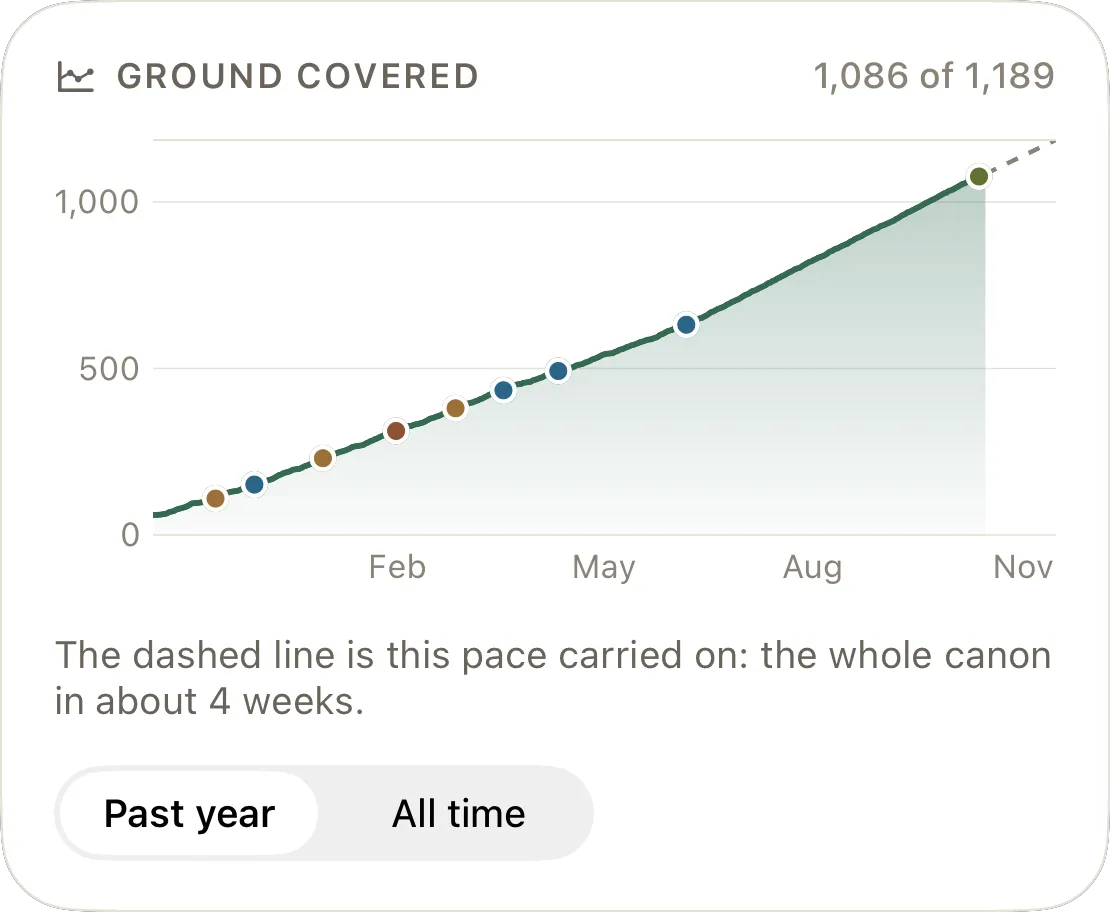
An app is the tracker that also tells you what to read next. Where a chart or a sheet records what happened, an app can work out today’s reading from where you actually are, remind you around the time you usually read, and put your progress on your Lock Screen, with no formulas to write.
When choosing one, a few questions sort them quickly. Does it count against your Bible, so a Catholic reader can reach 100 percent? Does a missed day turn into a backlog, or does the plan carry on from where you are? Does it need an account, and where does your record live? Can you log a reading for an earlier day, and mark chapters you read years ago? Our guide to choosing a Bible reading tracker app goes through these one by one.
Start with what you have already read
A tracker gives a truer picture if it begins with the reading you have already done. Few people start from nothing, and few start from everything: in a 2016 Lifeway Research survey of 1,000 Americans, 11 percent said they had read the entire Bible once and 9 percent more than once, while 30 percent said they had read several passages or stories.
Mark the books you are sure you have read, and leave the ones you only half remember. On paper, a lighter mark or a different pen keeps earlier reading apart from new. In the spreadsheet, give those chapters a date well in the past, such as the first of January last year: they count toward the percentage, and because they are older than 28 days they stay out of your pace. To see where you stand before setting anything up, check how much of the Bible you have read book by book, in any canon.
What to record besides the chapter
The chapter and the date are enough for a tracker. Two more things are worth adding if you want them.
- A line of notes. One sentence per chapter, what stood out or what you want to look up, turns a tracker into a record you can reread. A spreadsheet takes it as one more column, and a paper chart has the margins. Our guide to keeping a Bible reading journal has a prompt for each kind of chapter, for the days nothing comes to mind.
- Minutes, now and then. Timing a few sittings tells you what a chapter costs you, which makes it easier to choose a plan that fits. You do not need to time every one.
Track what you read, not what you missed
A good tracker only ever fills in. Record the chapters you read and the days you read them, and leave out any tally of the days you did not. A calendar with a blank square for every missed day turns a record into a ledger of what you owe, and that can be what makes people put the whole thing away.
A chapter chart has no blanks of that kind: a box you have not ticked yet is simply ahead of you. If you like counting days, count the days you came back rather than an unbroken chain; our guide to Bible reading streaks looks at what helps and what backfires.
Whichever tool you choose, the next box is waiting where you left it.
Questions people ask
What is a Bible reading log?
A Bible reading log is a record of what you have read in the Bible, usually chapter by chapter and with the date. It can be a printed chart with a box for every chapter, a notebook, a spreadsheet or an app. The most useful ones record chapters rather than days, so a missed day leaves nothing to fill in and the record only ever grows.
Is there a free Excel or Google Sheets Bible reading tracker?
The reading plan calculator on this site downloads any plan as a CSV file that opens in Excel or Google Sheets, with a Done column to fill in. Set it to one chapter a day, start to finish, and the file has a row for every chapter of your Bible, 1,189 for the Protestant canon and 1,334 for the Catholic. Add a few formulas for a percentage and a finish date.
Should I track Bible reading by chapter, verse or book?
By chapter, for most readers. A book is too coarse to show progress through Psalms, which has 150 chapters, and verses are too fine, since the King James Version has 31,102 of them. Chapters are how plans and references are written, an average chapter is a sitting of a few minutes, and the Protestant Bible's 1,189 chapters fit on one printed page.
How do I work out what percentage of the Bible I've read?
Divide the chapters you have read by the chapters in your Bible and multiply by 100. The 66-book Protestant Bible has 1,189 chapters, so 300 chapters is 25.2 percent. In the 73-book Catholic Bible, with 1,334 chapters, the same 300 is 22.5 percent. Counted by words the figure differs, because chapters vary in length from a few dozen words to more than two thousand.
What percentage of people have read the whole Bible?
In a 2016 Lifeway Research survey of 1,000 Americans, 11 percent said they had read the entire Bible once and 9 percent more than once. Another 53 percent said they had read relatively little of it, from none at all to several passages or stories, and 22 percent said they read a little of it every day.
Sources
- Lifeway Research (2017). Americans are fond of the Bible, don't actually read it.
- Google Docs Editors Help: Add and use checkboxes (Google Sheets)
- Google Docs Editors Help: Keyboard shortcuts for Google Sheets
- Microsoft Support: Keyboard shortcuts in Excel
- Brysbaert, M. (2019). How many words do we read per minute? A review and meta-analysis of reading rate. Journal of Memory and Language, 109, 104047.
- World English Bible, verse-per-line edition (public domain), eBible.org
- King James Version, verse-per-line edition (public domain), eBible.org